Integrations

Google Tag Manager
Google Tag Manager is a tag management system that allows you to quickly and easily update tags and code snippets on your website or mobile app. You can use this to Acquire in a few short steps. Once the Tag Manager snippet has been added to your website or mobile app, you can configure tags via a web-based user interface without having to alter and deploy additional code.
How to add GTM Template in Workspace?
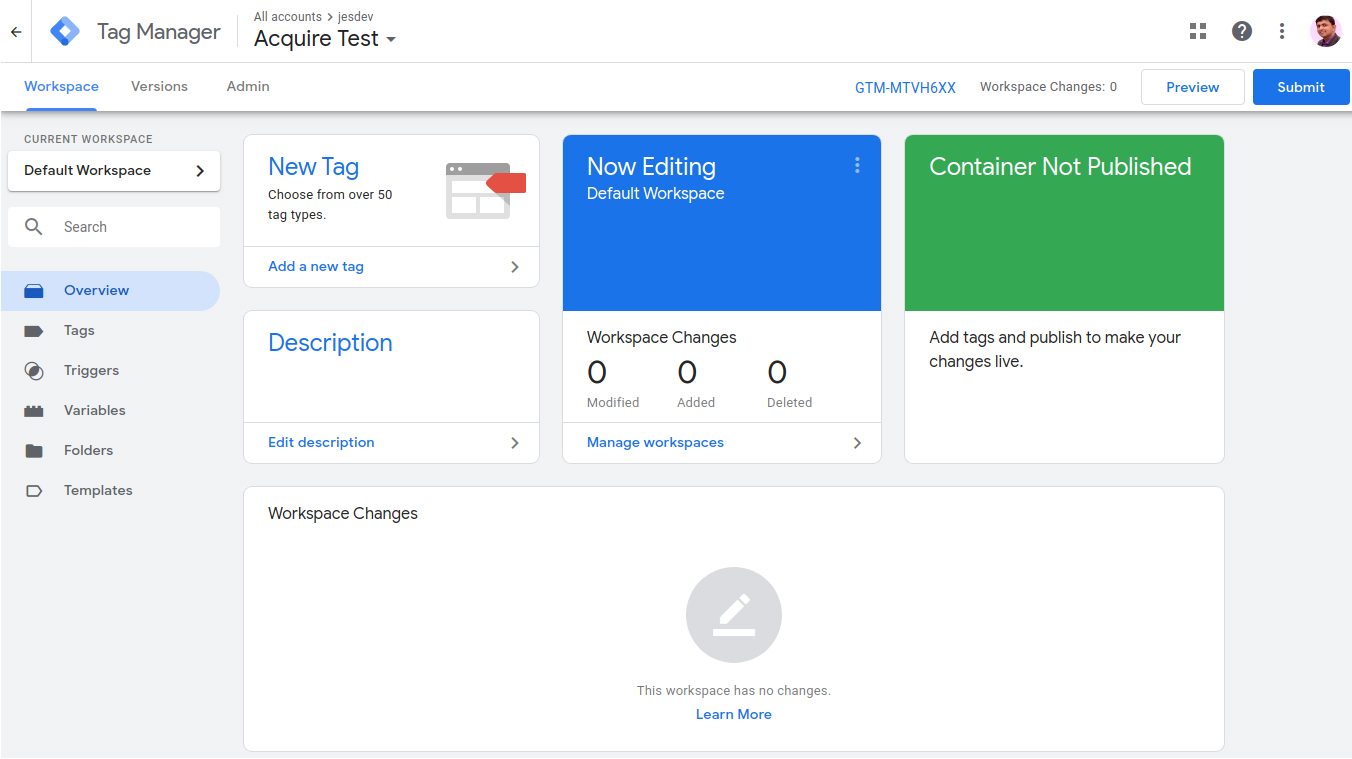
First Open Google Tag Manager Dashboard in your workspace and Click On the 'Template' menu.
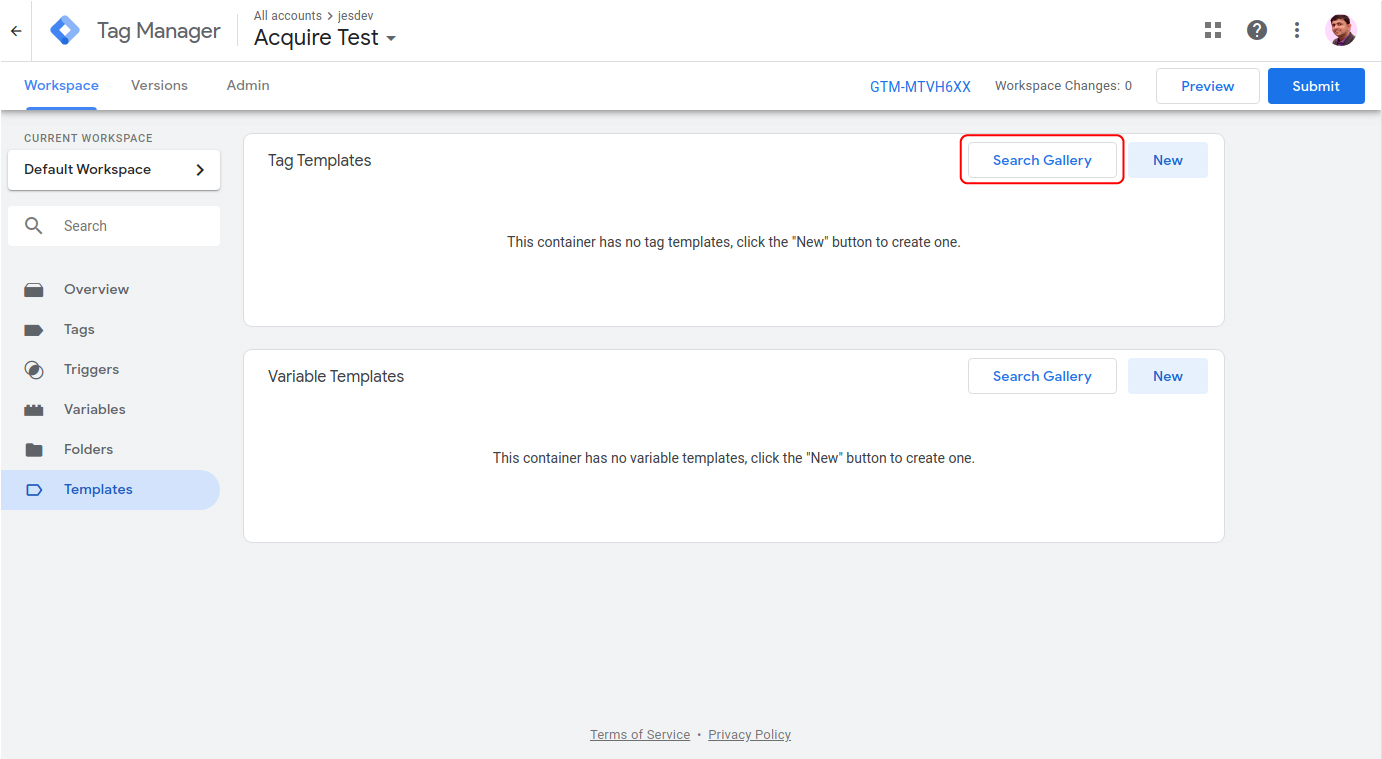
Tag Templates section in click on 'Search Gallery'.
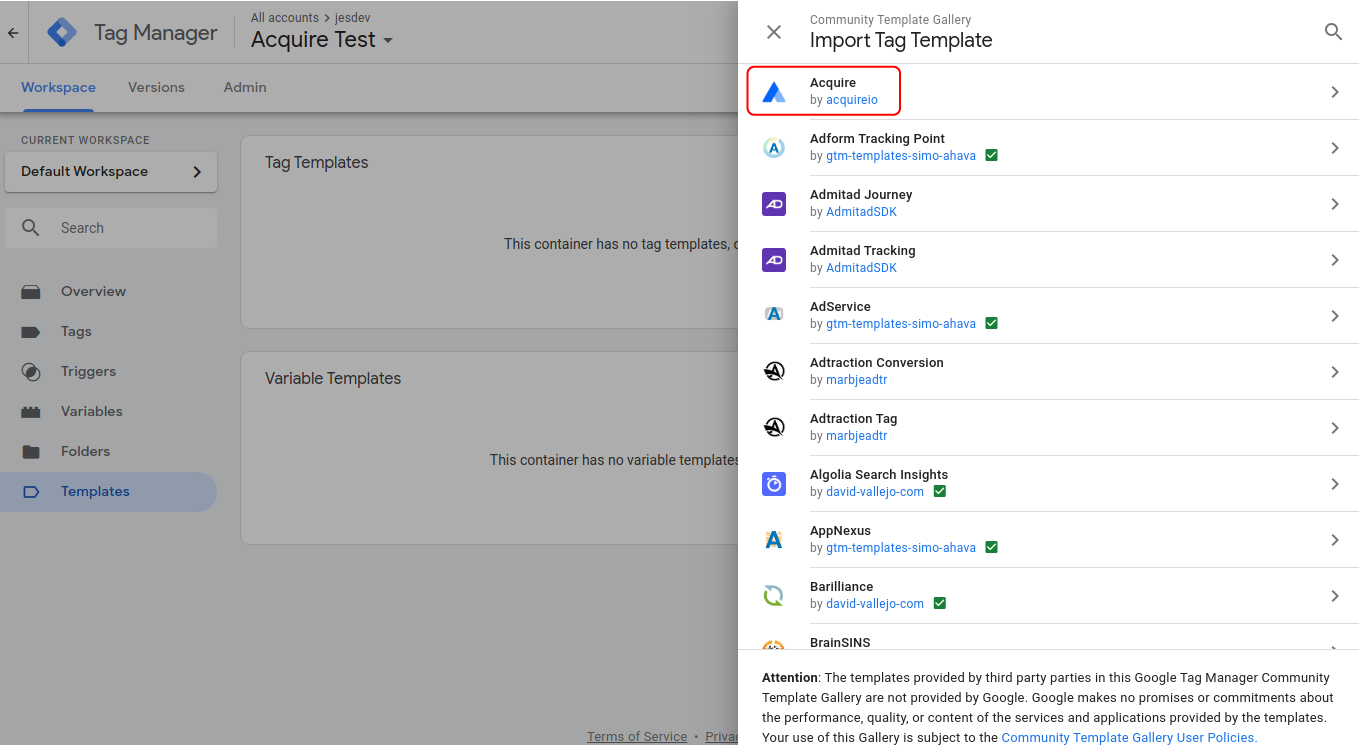
Gallery apps list in find and choose to Acquire App and click on the 'Add Workspace' button.
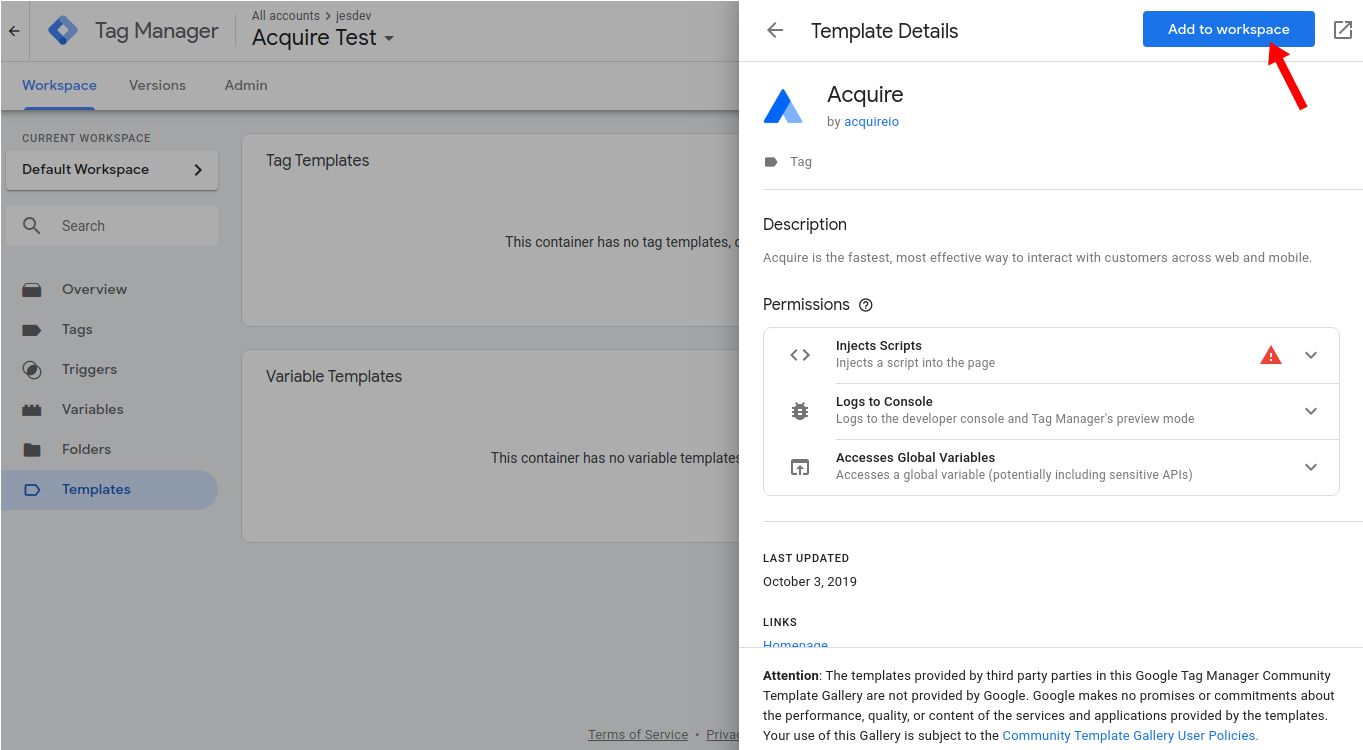
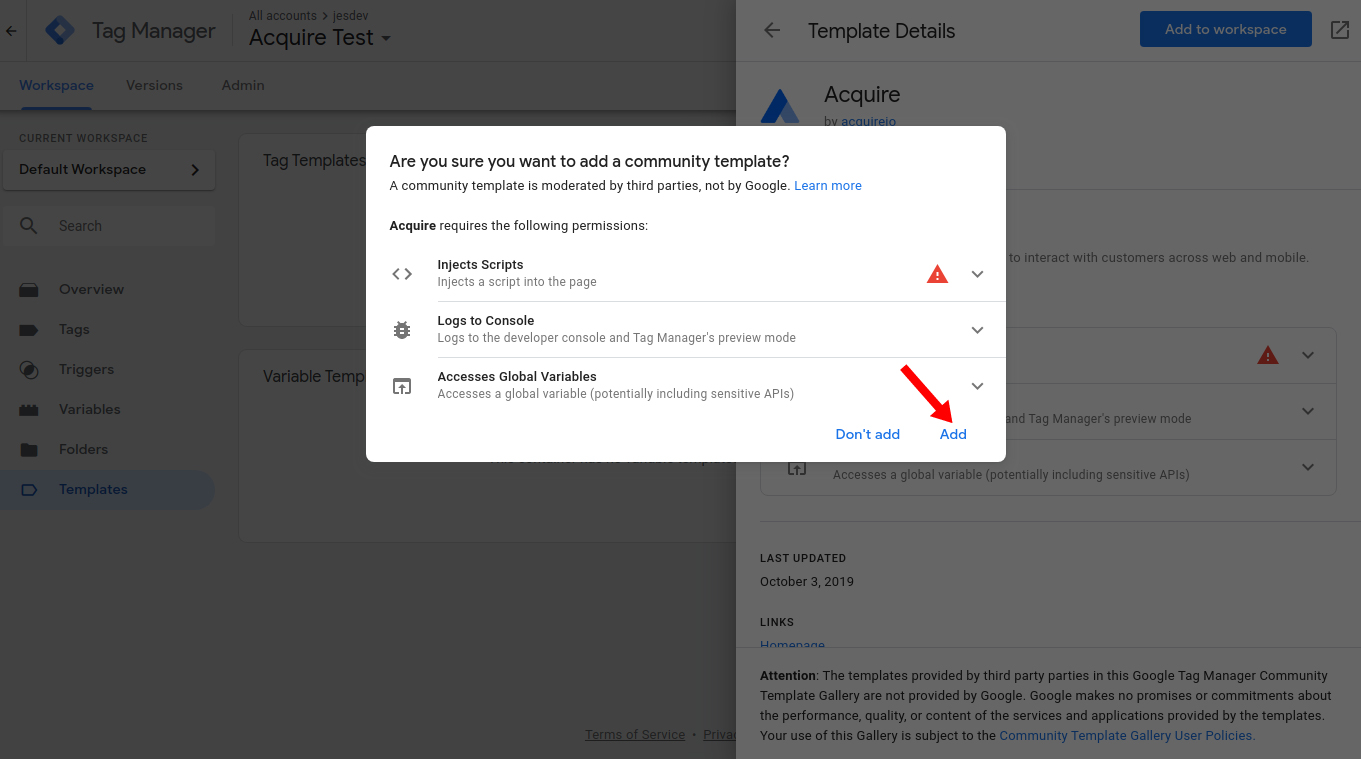
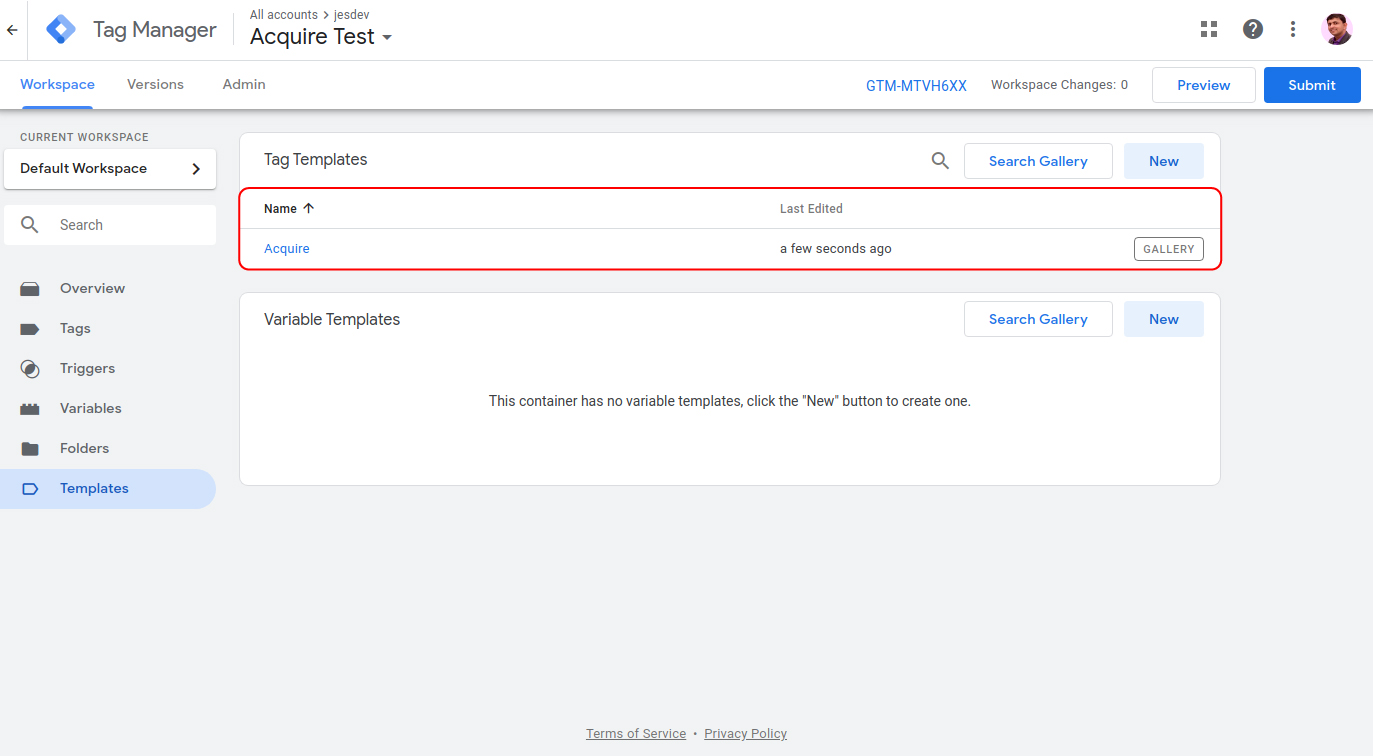 Now Your Current Workspace in Acquire GTM Custom Template Added.
How to use Acquire GTM Template?
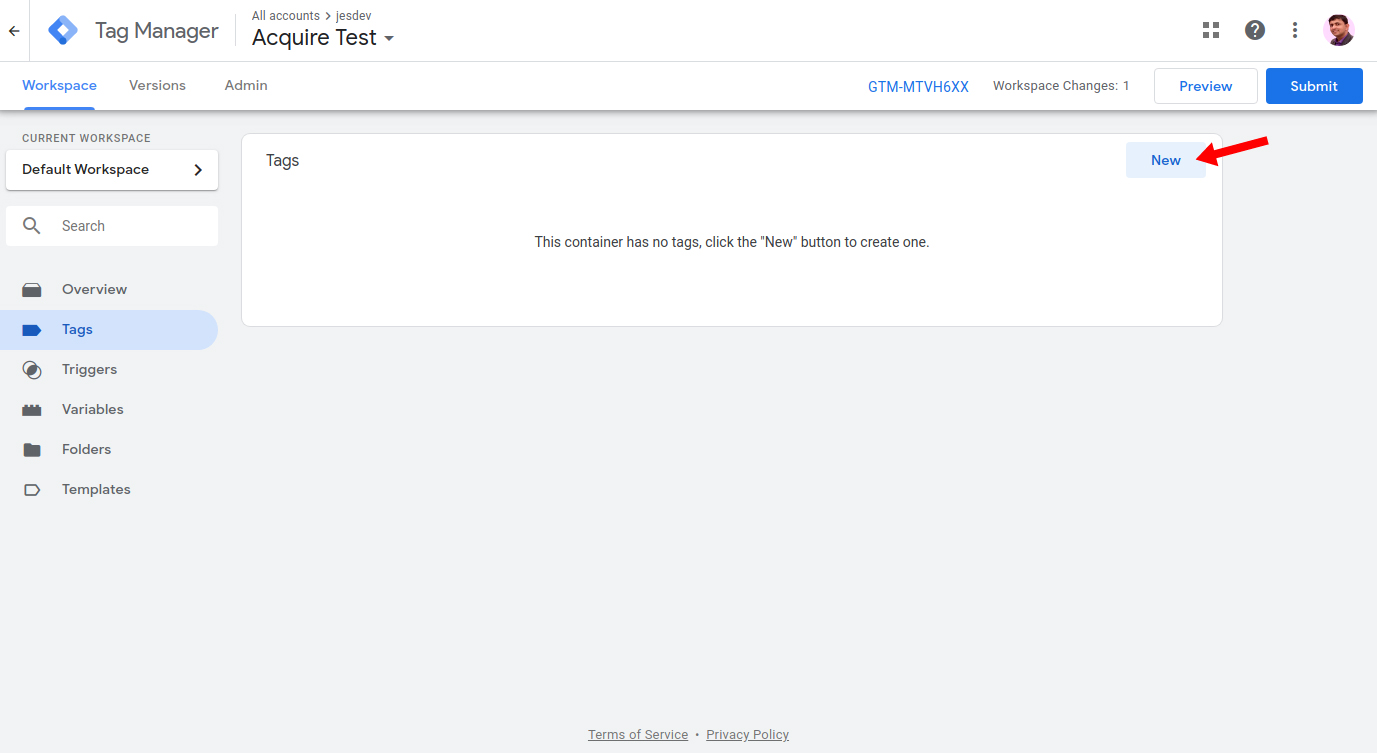
Open Tag menu and create a new tag.
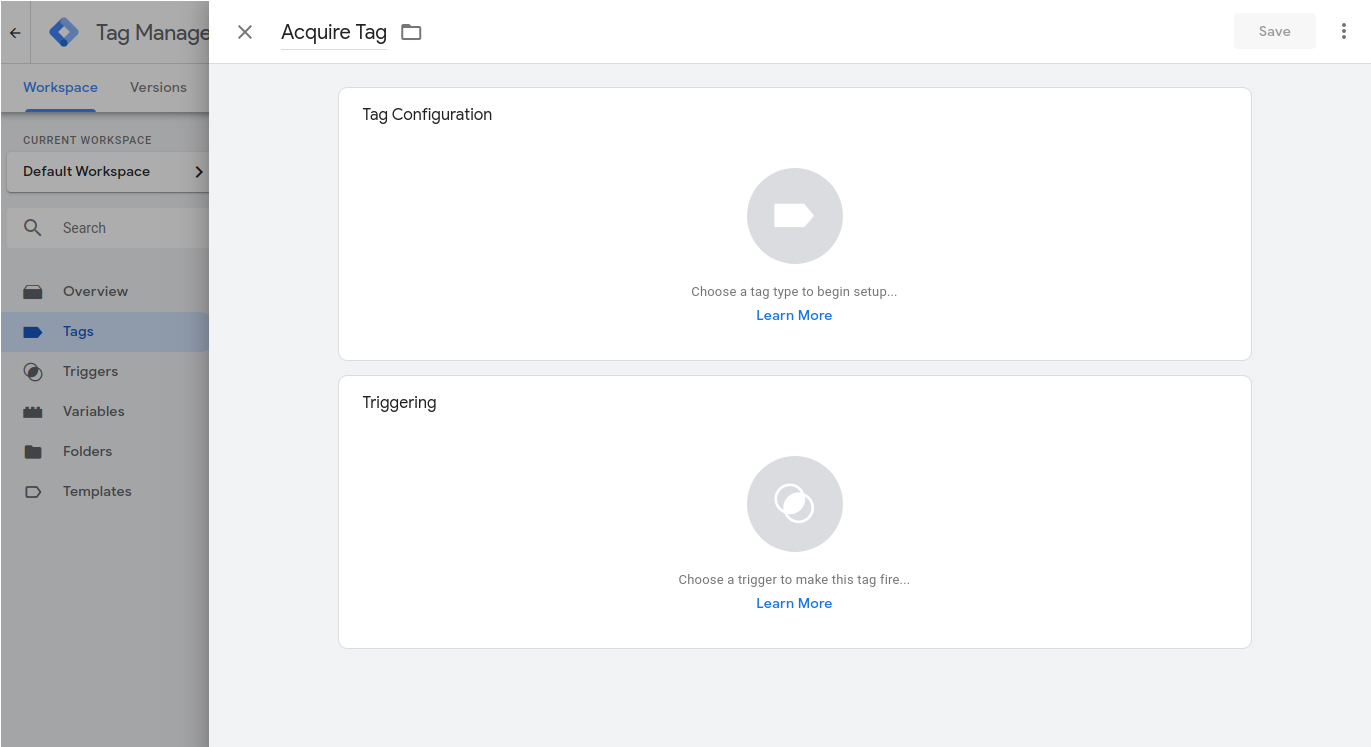
In Tag Configuration choose custom template 'Acquire' and fill field 'Account ID' that would be your Acquire Account ID.
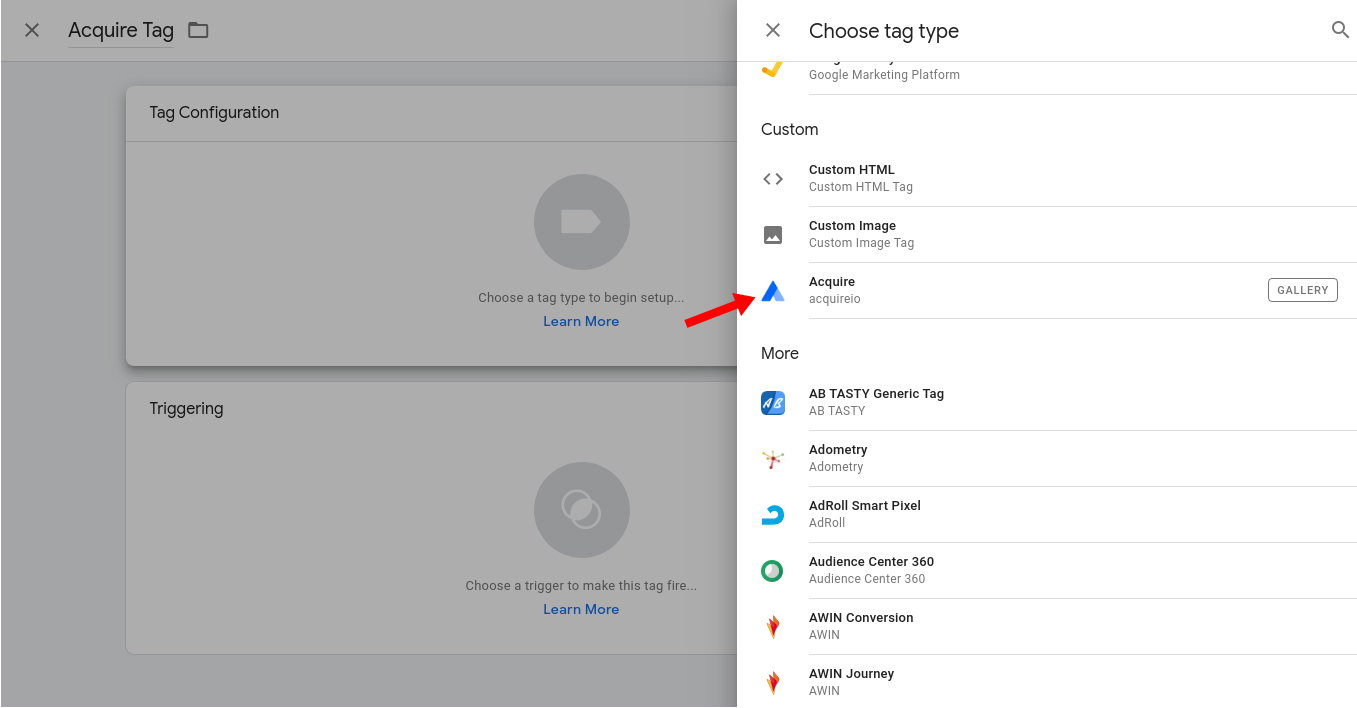
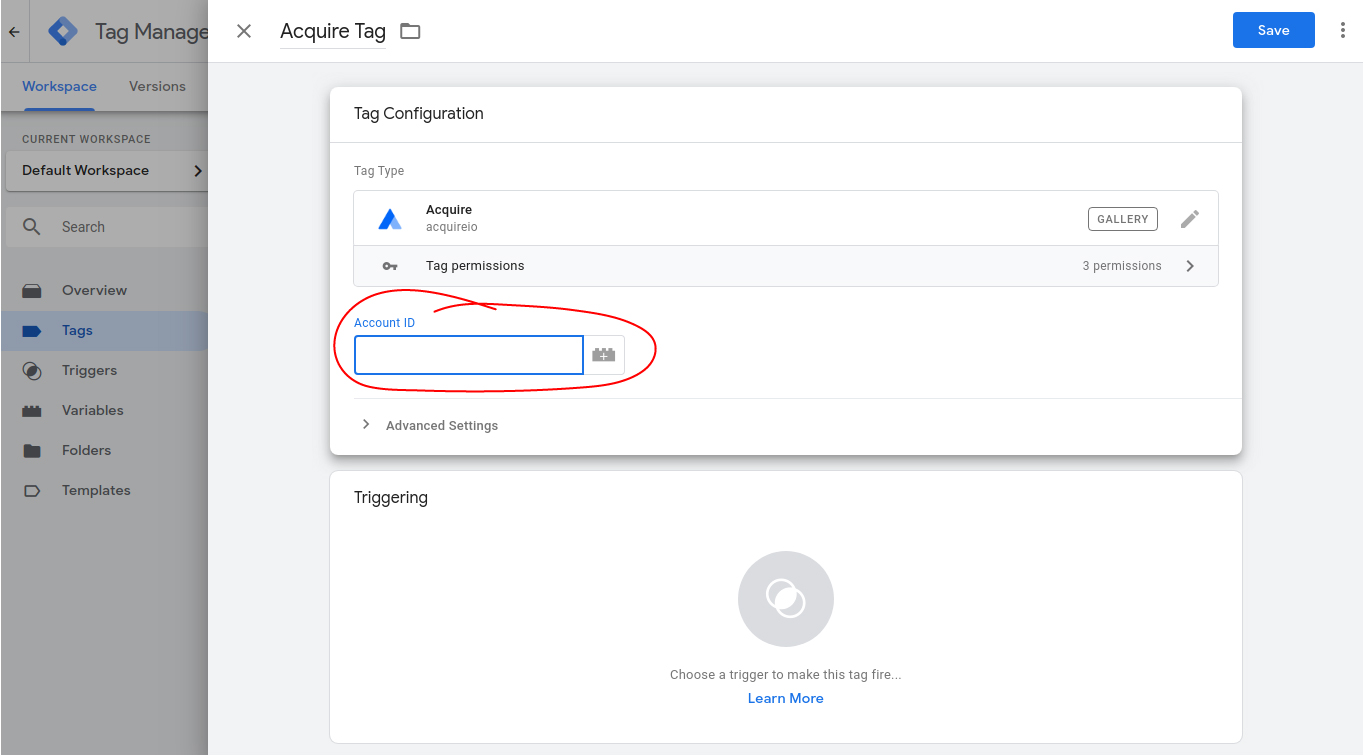
In triggering, it will add all pages and save changes.
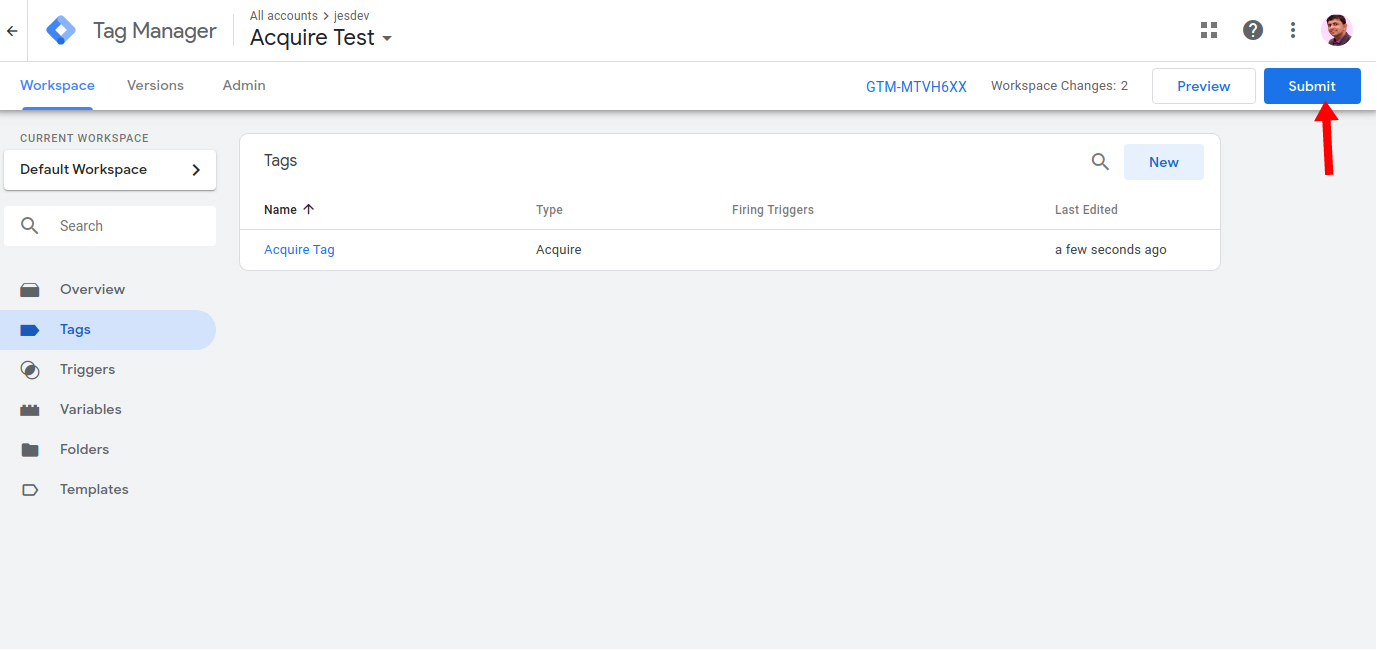
Submit The tag manager for publishing and check the front page. Now you can use Acquire's all features easily.
If you have any questions or need help, come to Live Chat or email us at support@acquire.io.